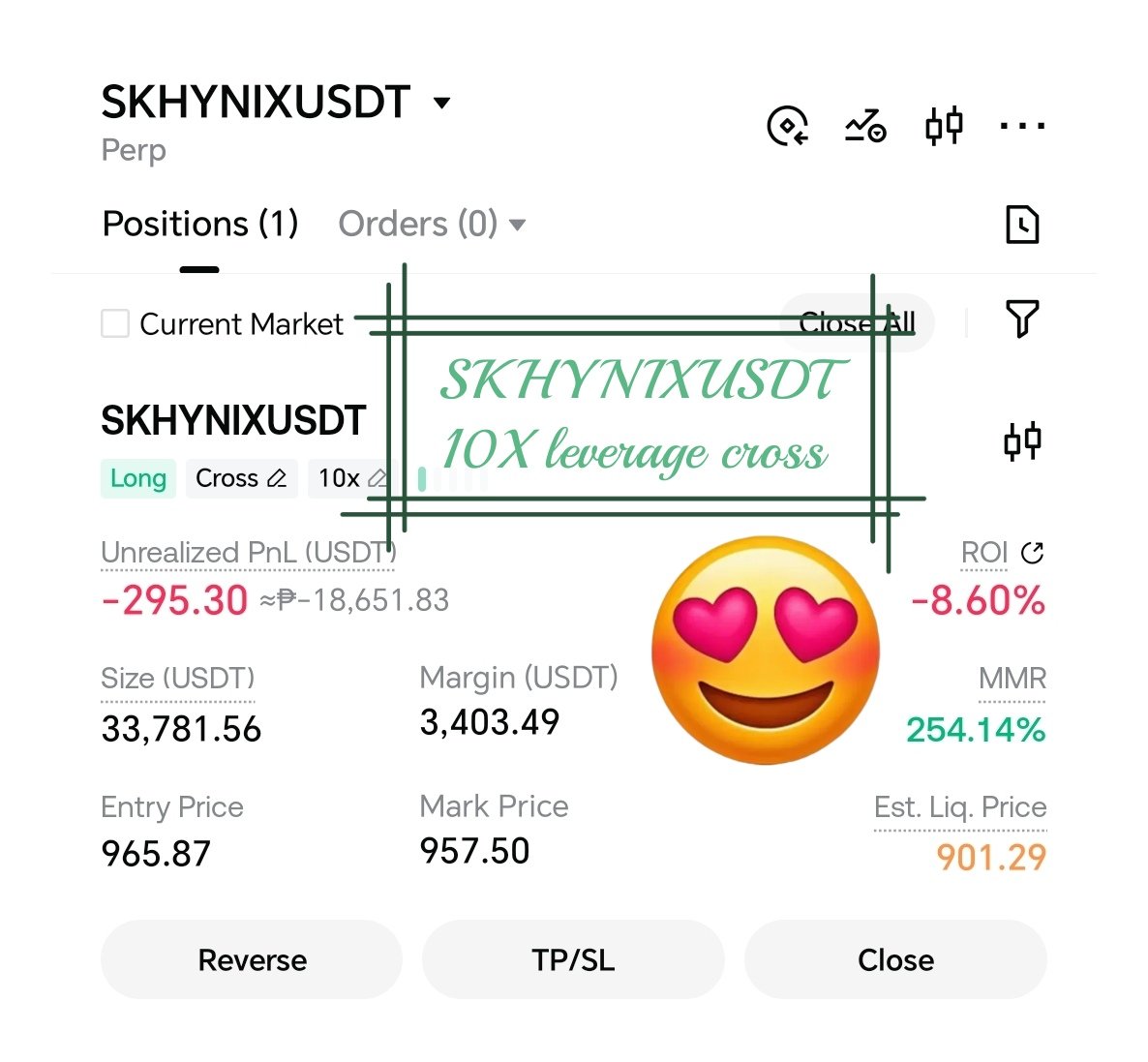
This step-by-step guide walks you through setting up, placing, and managing a 10x Cross Margin trade on the SKHYNIXUSDT perpetual futures contract on Gate.io.
Key Concepts
Before opening your order, make sure you understand the core mechanics of this derivative product:
- SKHYNIXUSDT Perpetual: A USDT-margined linear contract tracking SK Hynix (listed under South Korea’s KOSPI index). Profits, losses, and collateral are calculated in USDT without needing to hold the underlying asset.
- Cross Margin Mode: Your entire Futures wallet balance acts as shared collateral. While this reduces the risk of premature liquidation due to short-term spikes, a sustained adverse price movement risks your whole account balance.
- 10x Leverage: Amplifies position size by 10 times. You only need an initial margin equal to 10% of the position’s total value. A 1% market move produces a ~10% gain or loss relative to your margin.
⚠️ WARNING: High Liquidation Risk Trading with 10x leverage magnifies volatility. Under Cross Margin Mode, if market prices move against your position by ~10%, your entire USDT Futures account balance can be liquidated to cover the position. Always use Stop-Loss orders to protect your capital.
Transfer USDT to Your Futures Wallet
Prerequisite
- Log in to your verified Gate.io account.
- Head to the top menu and navigate to Wallet > Fund Overview.
- Click Transfer.
- Select From: Spot Account and To: Futures Account (USDT-M).
- Choose USDT, enter your intended margin amount, and confirm the transfer.
Access the SKHYNIXUSDT Market Interface
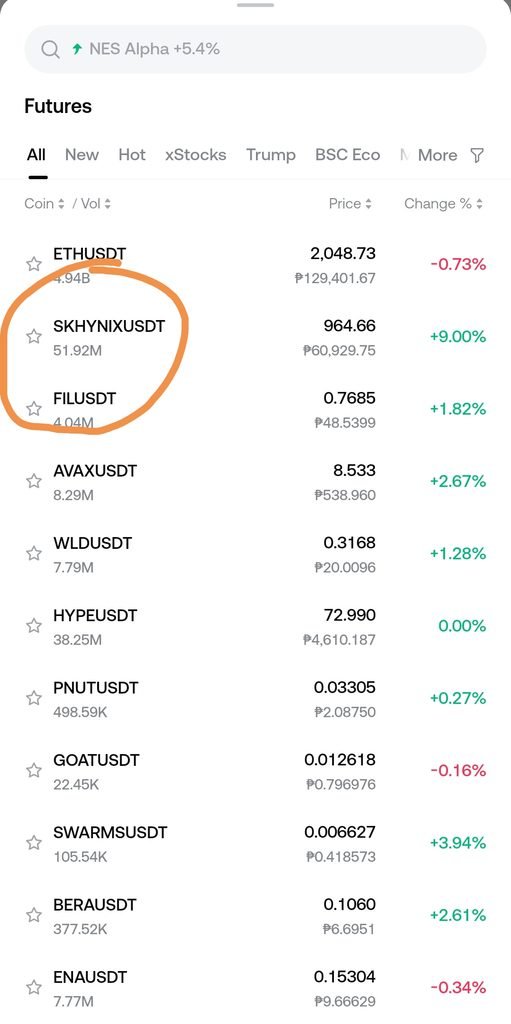
- Hover over Trade or Futures on the top navigation bar.
- Select USDT-M Futures.
- Use the market search bar on the top left panel, type SKHYNIXUSDT, and select the contract.
- Configure Cross Margin & 10x Leverage
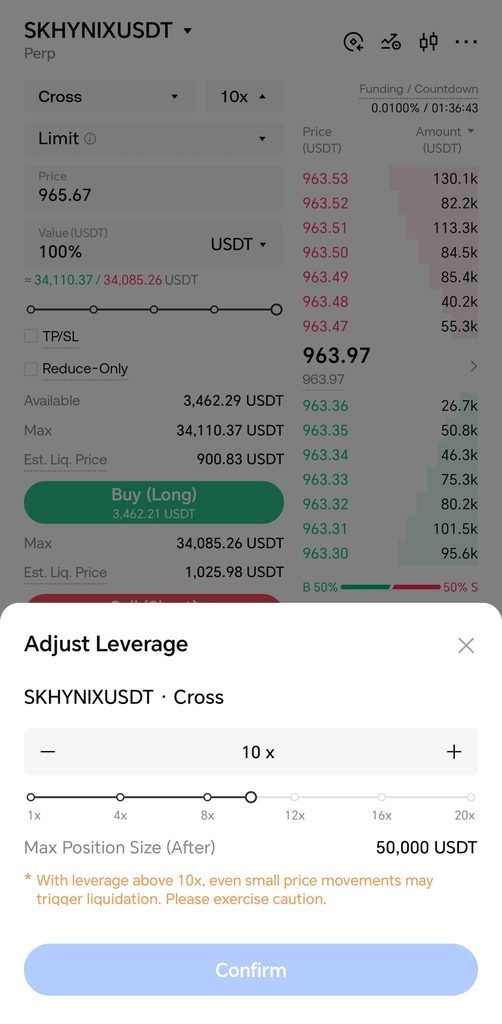
- Locate the trade setup box on the right side of the trading screen.
- Click the margin mode toggle button (defaults to Isolated or Cross).
- Select Cross Margin Mode and save.
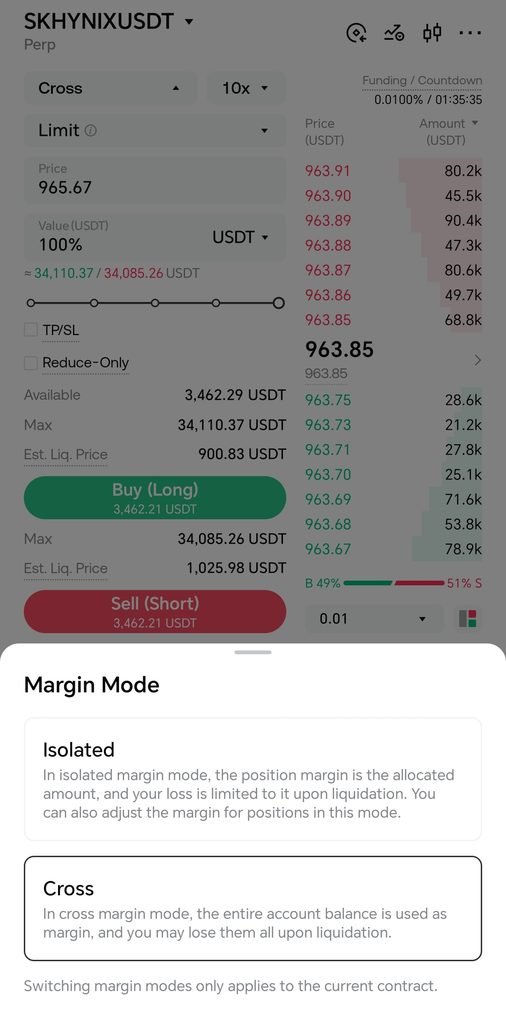
- Click the leverage selector right next to the margin button, adjust the slider or input 10X, and confirm.
- Configure Order Details
- Select Order Type:
- Limit Order: Enter your ideal entry price. The order fills when the market touches your target.
- Market Order: Fills instantly at the best available market price.
- Set Quantity: Input the position size (either in total contract count or nominal USDT value).
- Set Take-Profit & Stop-Loss (TP/SL): Check the TP/SL checkbox to pre-define exit targets before opening the trade.
- Select Order Type:
- Execute the Position
- Choose your market directional bias:
- Buy / Long: If you expect the price of SK Hynix to rise.
- Sell / Short: If you expect the price to decline.
- Review the order confirmation summary popup and execute.
Step-by-Step Parameter Overview
| Setting | Selection | Operational Purpose |
|---|---|---|
| Contract Pair | SKHYNIXUSDT | Trades linear USDT perpetual futures for SK Hynix. |
| Margin Type | Cross | Shares total account equity across open cross positions to buffer maintenance margin. |
| Leverage | 10x | Reduces required initial margin to 10% of total nominal value. |
| Order Type | Market / Limit | Execution speed (Market) vs precise entry pricing (Limit). |
Position Management & Risk Mitigation
Once your position is live, monitor and manage it from the bottom trade panel:
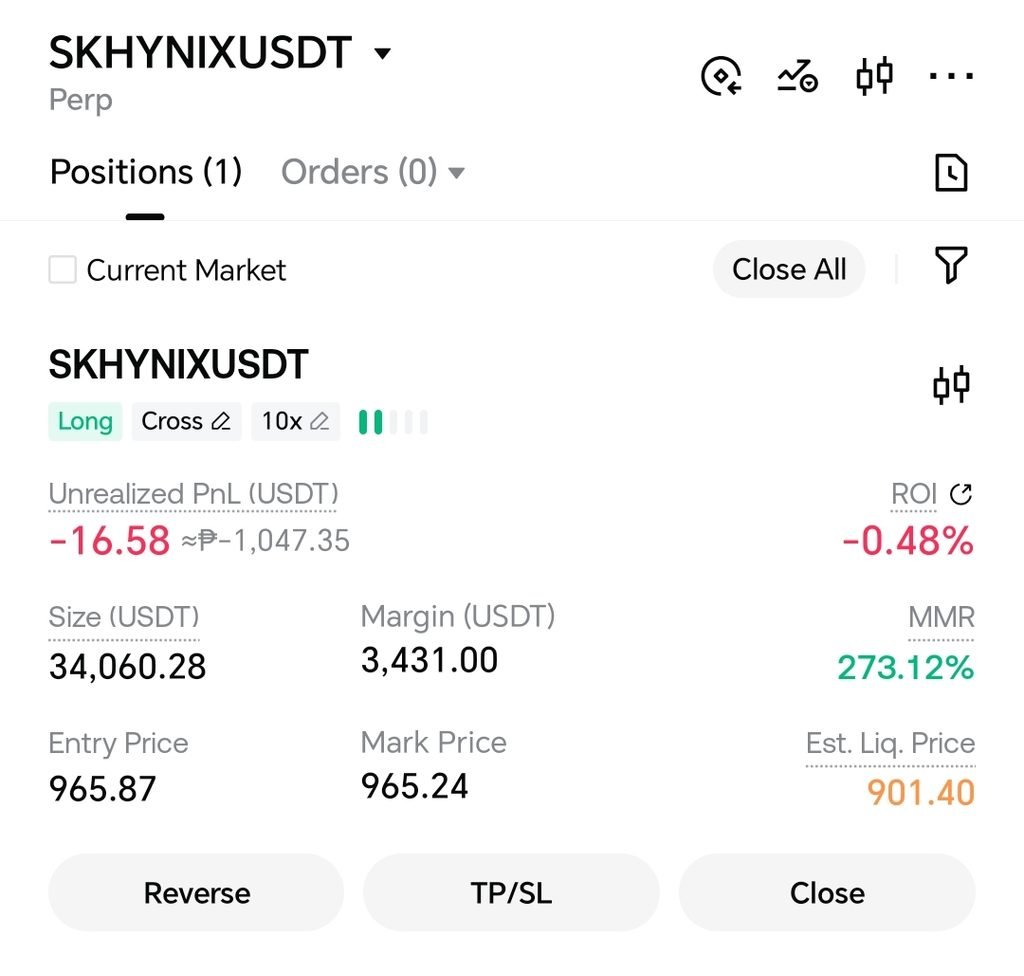
- Monitor Metrics: Under the Positions tab, keep a close watch on Mark Price, Unrealized PnL, and Est. Liquidation Price.
- Closing Your Position: Select Market Close for an immediate exit at market rate, or set a Limit Close to automatically exit once your price target is met.
Here are the key links for registering, trading futures, and setting up your account on Gate.io:
Official Platform Links
- Account Registration:
- Use this to create a new account, complete KYC identity verification, and unlock welcome rewards in the Rewards Hub.
- Futures Trading Interface:Gate.io USDT-M Futures Portal
- Direct link to the perpetual futures trading desk where you can search for contracts like SKHYNIXUSDT and set up leverage/margin modes.
- Rewards & Welcome Center:Gate.io Rewards Hub
- Claim newcomer tasks, trading fee vouchers, and bonus incentives after signing up.
- App Download:Gate.io Mobile App (iOS / Android)
- Download the mobile application to trade linear perpetual contracts on the go.