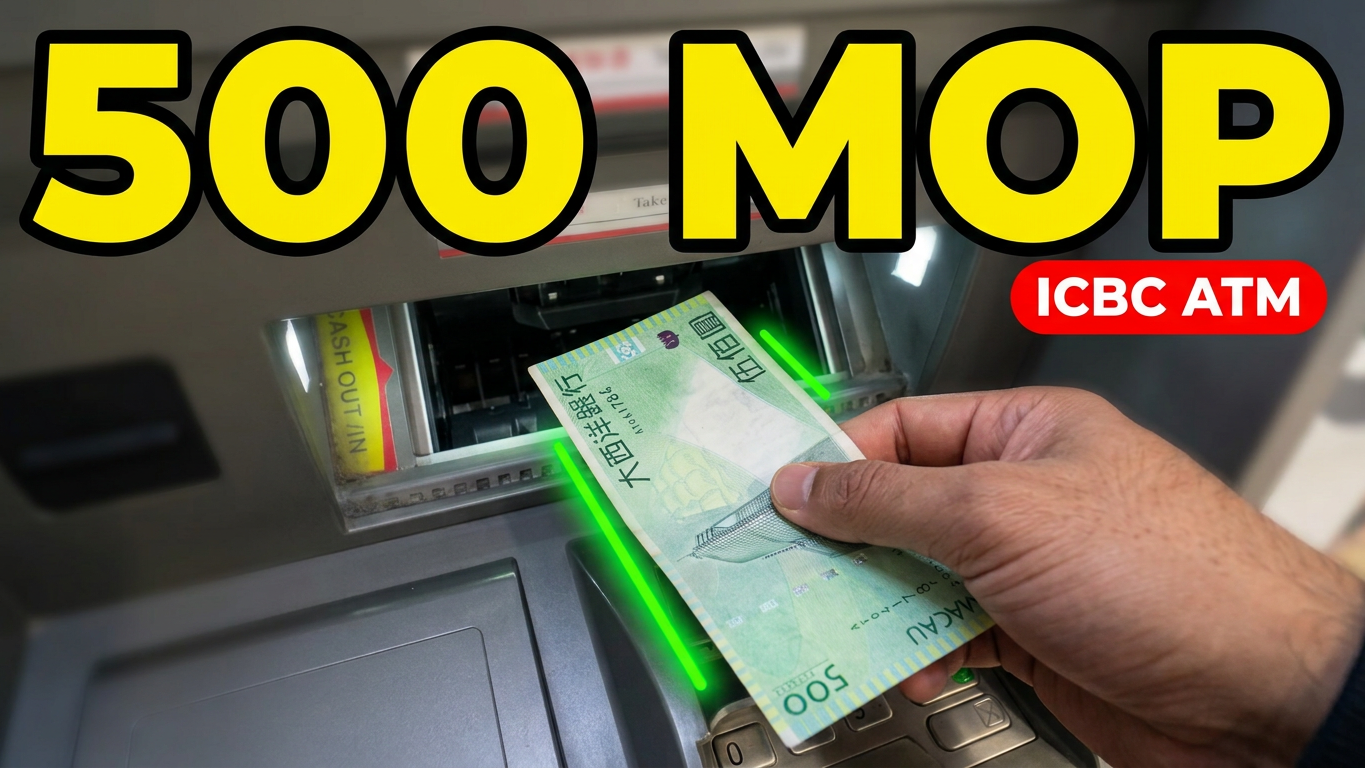
Depositing 500 Mop into your Industrial and Commercial Bank of China Macau account is quick and convinient when using a sellf service Cash Depsosit Machine (CDM) or Cash Recycling Machine (CRM). Follow these step by step instruction to ensure a smooth and secure transaction.
Step by Step Deposit Guide
- Locate an ATM: Ensure you visit an ICBC Macau location labeled as a Cash Deposit Machine CDM or Cash Recyclling Machine CRM. Standard withdrawal ATM cannot accept physical cash notes.
- Insert Card and Sellect Language: Insert your ICBC Macau debit card into the card slot and select your preferred language English traditional chinese or Simplified chinese on the main screen.
- Enter your pin: Use the physical keypad to enter yor 6 digit ATM pin securely shielding the pad with your hand.
- Select cash deposit: From the the main transaction menu, tap Cash Deposit and select destination account ( eg. Saving account or Current Account.
- Insert the 500 Mop note: The cash shutter will open automatically. Smooth our your 500 Mop bill ensure it is clean, unfolded, and free horizontally into the tray.
- Verify the summary: The tray shutter will close while the machine counts the bill. Review the screen breakdown confirming a total deposit of 500 mop.
- Confirm and collect: Tap and Confirm to complete the deposit. Remember to collect your printed transaction receipt and your ICBC debit card before leaving.
Quick Deposit Tips
Banknote Condition: Machines automatically reject torn, heabily creased, or stained billls.
Currency Selection: Verify that you select the MOP deposit option on the machine screen to match your currency note.
Keep your Receipt: Always save your printed receipt until the 500 MOP reflects in your ICBC mobile banking app balance.