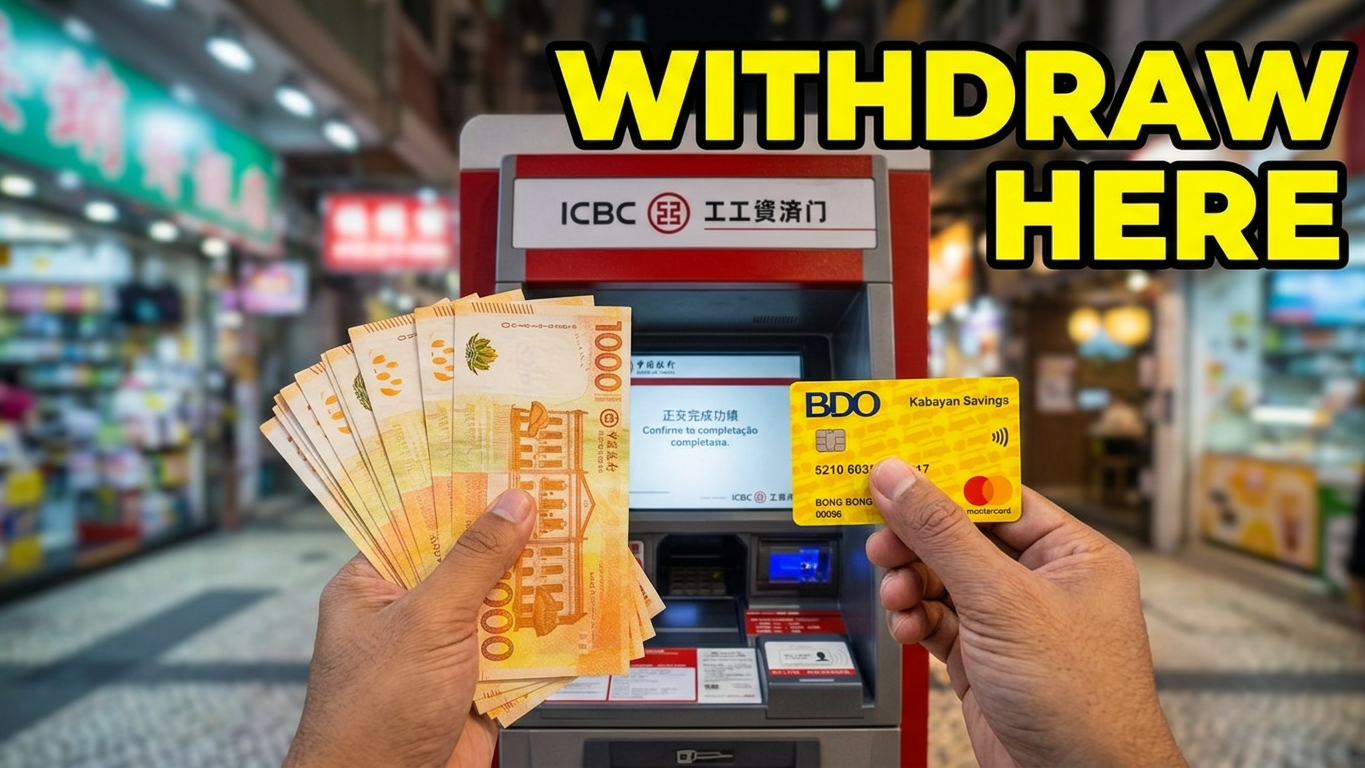
Withdrawing cash from your international BDO Mastercard at an Industrial and Commercial Bank of China (ICBC Macau) ATM is a highly reliable way to access local currency. Major bank terminals like ICBC generally charge no local ATM operational fees for foreign-issued cards, ensuring a cost-effective transaction. The process is straightforward, but it requires a critical prep step on your mobile device.
Step 1: Pre-Travel Activation (Crucial)
Before heading to an ATM, you must ensure your card is unlocked for international use. If you do not do this, the terminal will instantly decline the transaction.
- Log into your BDO Online Mobile App.
- Navigate to Card Control or Manage Cards.
- Select your BDO Mastercard.
- Toggle ON “International/Overseas Transactions”.
Step 2: Finding the Right ICBC ATM
Look for a physical, brick-and-mortar ICBC Macau branch or a stand-alone terminal inside prominent shopping areas and casino resorts. Ensure the machine displays the Mastercard logo on the outer shell or screen framework.
Note: You may notice a prominent blue “KYC ATM” or “Know Your Customer” logo with facial recognition screens. This security step only applies to mainland Chinese citizens holding cards issued in Mainland China. As an international BDO cardholder, you will bypass the facial scanner and identity card request seamlessly.
Step 3: Step-by-Step ATM Walkthrough
Insert Card: Push your BDO Mastercard into the card slot.
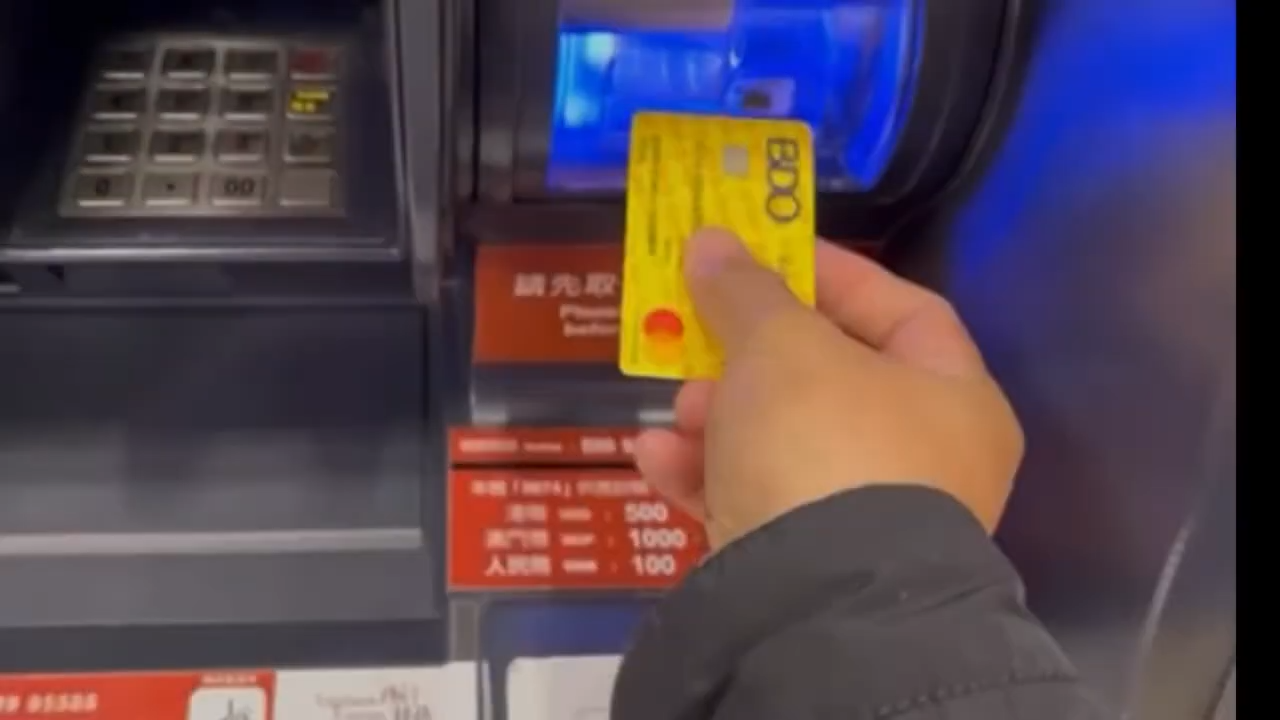
Select Language: Choose English on the initial interface screen.
Enter PIN: Type your standard 6-digit BDO ATM PIN and press enter/confirm.
Select Account Type: Choose Savings Account (or checking, matching your account structure).
Select Transaction: Tap Cash Withdrawal.
Select Currency: You will be prompted to select either MOP (Macau Pataca) or HKD (Hong Kong Dollar). (Tip: Choose MOP for daily spending like local restaurants, taxis, and buses to maximize value, or HKD if planning to spend inside casinos).
Enter Amount: Pick a preset shortcut or input a specific amount.
Avoid DCC Conversion: If the screen offers to lock in a foreign currency conversion rate or bill you directly in Philippine Pesos (PHP), always choose to be billed in the local currency (MOP/HKD). Letting BDO handle the backend conversion gives you a much better exchange rate than the ATM provider.
- Retrieve Your Belongings: The machine will process and release your BDO Mastercard first. The shutter will then open to dispense your local currency cash notes and transaction receipt.
Associated Costs and Limits
BDO International Fee: BDO charges a fixed USD $3.50 fee (or its PHP equivalent) per international ATM cash pull.
ATM Transaction Limits: Most standalone bank ATMs in Macau limit a single transaction pull to MOP $5,000 or MOP $10,000. If you need a larger sum, you will have to make a separate transaction and incur another BDO fee.