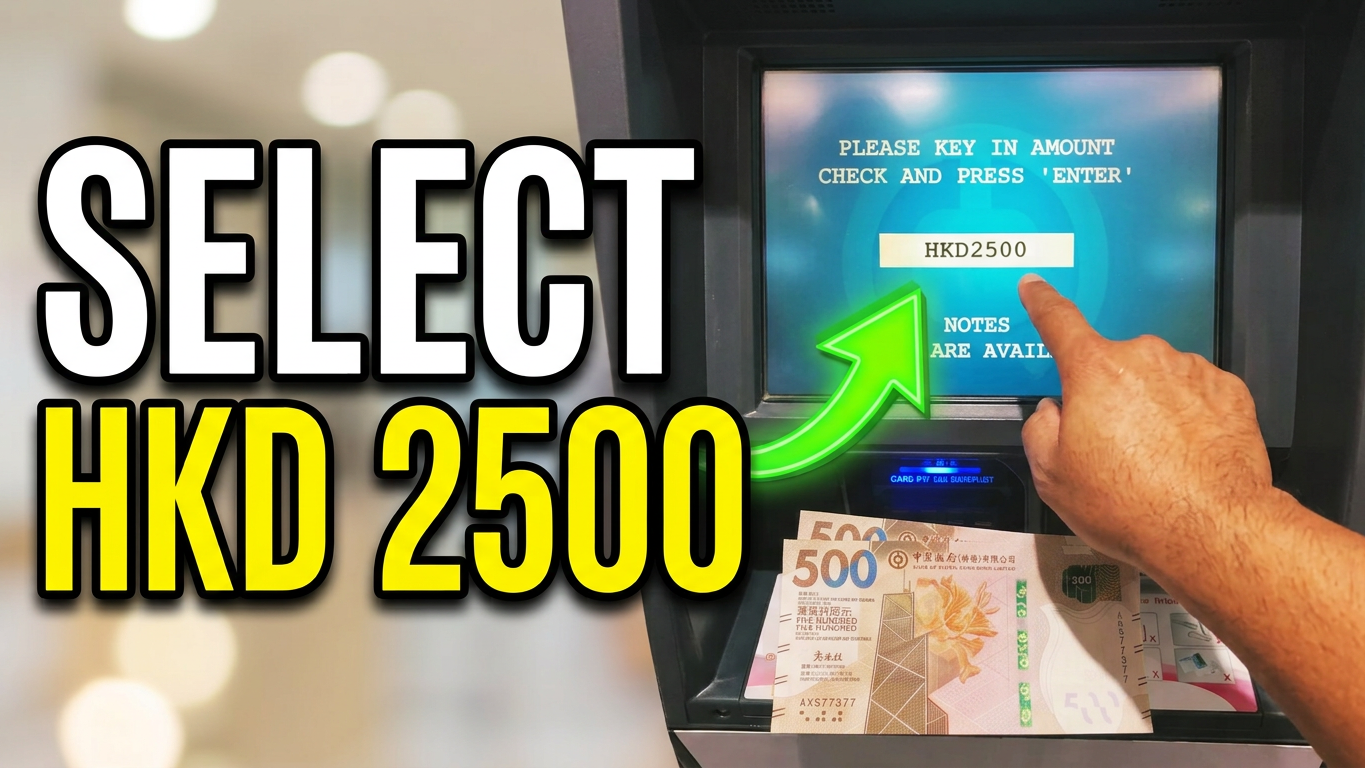
Need to withdraw $2,500 HKD cash from an ICBC ATM? Whether you are a local resident using an ICBC (Asia) Debit Card or a traveler using an international bank card, getting cash from an Industrial and Commercial Bank of China (ICBC) ATM is quick and straightforward.
This step-by-step guide will walk you through the precise process, transactional rules, and important things to know before you slide your card into the machine.
📌 Critical Prerequisites & Limits to Check First
Before heading to the nearest ATM, keep these essential rules in mind to ensure your transaction is successful:
Sufficient Funds: Confirm that your linked primary checking or savings account has at least $2,500 HKD (plus any potential transaction fees).
ATM Daily Limits: ICBC (Asia) debit cards feature a standard daily cash withdrawal limit of $20,000 HKD. Your requested $2,500 HKD is well within this threshold.
Per-Transaction Cap: ICBC ATMs handle the $2,500 HKD request easily in a single session, as their local machines typically support a maximum single transaction limit of up to $10,000 HKD.
Overseas Activation: If you are using a mainland ICBC card or an international debit card in Hong Kong, make sure you have activated overseas ATM withdrawal capabilities via your mobile banking app before attempting the withdrawal.
🏧 Option 1: Card-Based ATM Withdrawal (Traditional)
Follow these steps to complete your $2,500 HKD withdrawal using a physical debit or credit card at any ICBC ATM terminal:
Step 1: Insert Your Card and Enter Your PIN
Approach the ICBC ATM and insert your bank card into the designated slot. When prompted by the screen, use the physical keypad to securely input your 6-digit ATM PIN. Always shield the keypad with your hand for privacy.
Step 2: Choose Your Language
Select your preferred language from the on-screen options (usually English, Traditional Chinese, or Simplified Chinese).
Step 3: Select “Cash Withdrawal”
From the main menu layout, tap the button next to “Cash Withdrawal” (or “Withdrawal”).
Step 4: Choose the Account Type
If your card is linked to multiple accounts, the ATM will prompt you to select the account you wish to pull funds from. Select either “Savings Account” or “Current/Checking Account”.
Step 5: Input the $2,500 HKD Amount
The screen will offer a few fast-cash shortcuts (such as $500, $1,000, or $2,000). To get your exact target amount:
- Tap “Other Amount” or “Manual Input”.
- Type 2500 using the number pad.
- Review the number on the screen to confirm it reads exactly $2,500.
- Press “Confirm” or “Enter”.
Step 6: Collect Your Cash, Card, and Receipt
The ATM will process the request. Crucial Safety Step: Always retrieve your bank card first when the machine ejects it. Next, collect your $2,500 HKD cash from the dispensing slot, and grab your printed transaction receipt for your financial records.
Option 2: Cardless QR Code Withdrawal (Mobile Banking)
If you don’t have your physical card on hand but use the ICBC mobile banking application, you can utilize the secure JETCO Cardless Withdrawal feature:
- Set Up Instruction: Open your ICBC Mobile Banking app, log in, and navigate to “JETCO Cardless Withdrawal”. Set the transaction amount to $2,500 HKD and tap confirm.
- At the ATM: Walk up to an ICBC ATM and press any key on the physical keypad to wake up the screen. Select “Jetco Cardless Withdrawal” from the menu to display a unique QR code on the screen.
- Scan and Authenticate: In your mobile banking app, open the “Scan” tool and scan the ATM’s QR code. Confirm the verification code prompt on your mobile phone to securely release the cash instantly.
Fees and Charges Summary
| Card Type | Estimated Network Fee |
| Local ICBC (Asia) Debit Card | Free at any local ICBC (Asia) ATM terminal. |
| JETCO / UnionPay Partner Cards | May incur a modest network fee ranging from $10 HKD to $15 HKD per event. |
| International / Foreign Cards | Subject to local currency conversion rates and your home bank’s foreign ATM network rules. |
Watch on youtube video tutorial Step-by-Step Card Withdrawal