
Managing your BDO account from abroad is possible, but receiving One-Time Passwords (OTPs) and resetting passwords requires specific setups.
Receiving OTPs While Abroad
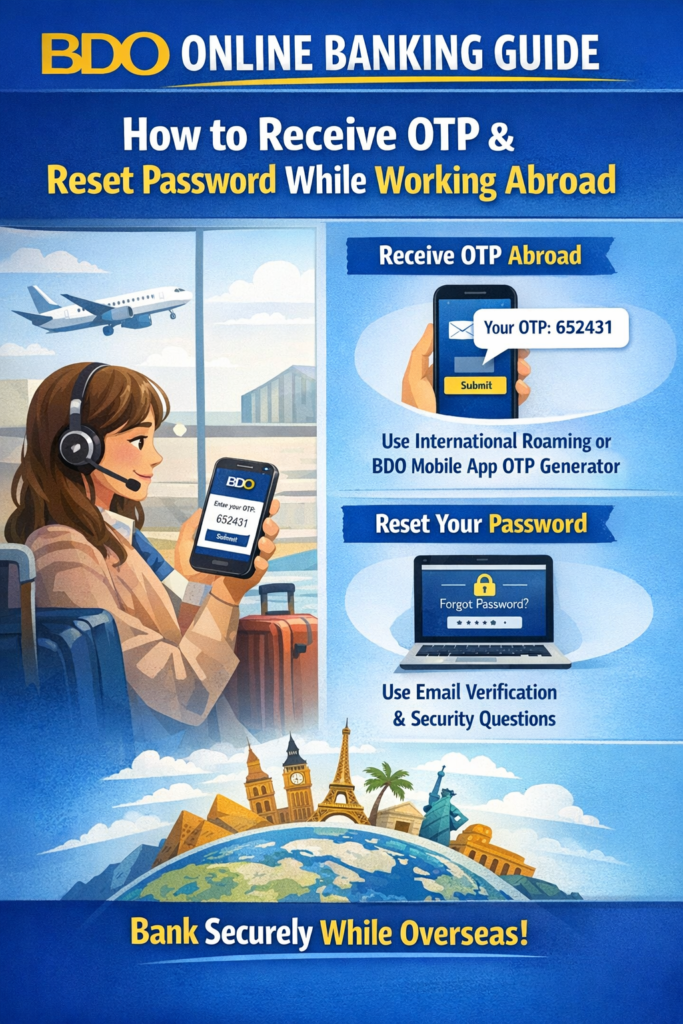
- Active Roaming: To receive SMS OTPs on your Philippine mobile number, ensure your SIM has active roaming. You typically don’t need data roaming for SMS, but your SIM must be registered on a local overseas network.
- OTP Generator (App-Based): If you still have access to the BDO Online App, you can activate the OTP Generator under “Settings”. This generates codes within the app without needing a cellular signal or roaming.
- Email Alternative: In some cases, BDO may send OTPs to your registered email address. Check your inbox or spam folder if the SMS isn’t arriving.
Resetting Your Password
- Open the App or Website: Go to the BDO Online Banking website or the official app and select “Need help logging in?” or “Forgot Password”.
- Provide Identification: Enter your username and the last four digits of your registered BDO card or account number.
- OTP Verification: You will be required to enter an OTP sent to your registered mobile number.
- Create New Password: Follow the complexity requirements (at least 8 characters, including upper/lowercase, numbers, and special characters).
Troubleshooting for Overseas Users
- Outdated Mobile Number: If your registered number is no longer active, you must contact BDO to update it.
- Contact BDO: You can reach customer service via their International Toll-Free Numbers or by calling (+632) 8888-0000.
- Facebook Messenger: Use the official BDO Customer Care page (look for the blue checkmark) to message for account-related concerns.