
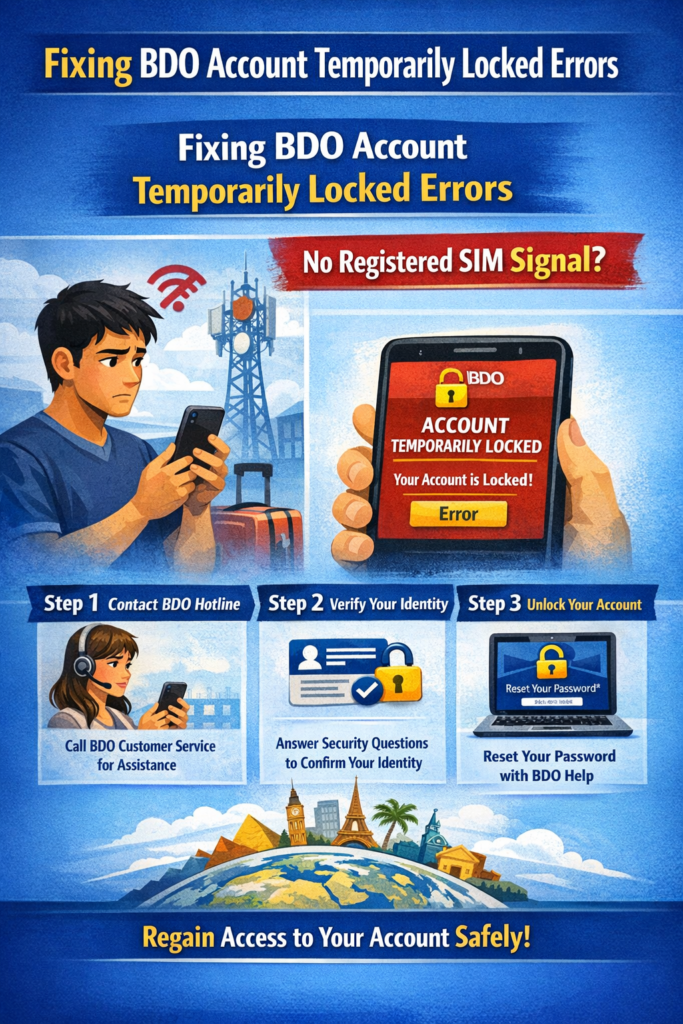
If your BDO account is locked and you cannot receive an SMS OTP because you have no signal abroad, you must use alternative verification methods to regain access.
1. Verification via Challenge Questions
If you cannot receive an OTP via SMS, BDO’s system sometimes provides an option to answer Challenge Questions created during your initial enrollment.
- On the login page, look for a “Challenge Question” link if the OTP box appears.
- If you successfully answer, you may be granted access to the account.
2. Verification via Registered Email
In some cases, especially when resetting a password through the BDO Online App, you can opt to receive a verification code via your registered email address instead of your mobile number. Check your inbox and spam folders during the reset process.
3. Contact BDO Customer Service
If the automated methods fail, you must contact BDO to undergo a “positive identification process” to unlock your account.
- International Toll-Free: Dial (International Access Code) + 800-8-CALLBDO (2255-236) using a landline.
- Direct Hotline: Call (+632) 8888-0000 from any phone (standard international rates apply).
- Official Messenger: Reach out to the BDO Customer Care Facebook page (ensure it has the blue checkmark) to request assistance for account-related concerns.
- Email Support: Contact them at callcenter@bdo.com.ph with your account details and a clear description of the locking issue.
4. Updating Your Number Without OTP
If your registered number is permanently inaccessible, you can try to update it via the BDO Online App profile settings, which may allow verification through your registered email rather than the old phone number. If this is not an option, the hotline is your only alternative for a remote update.