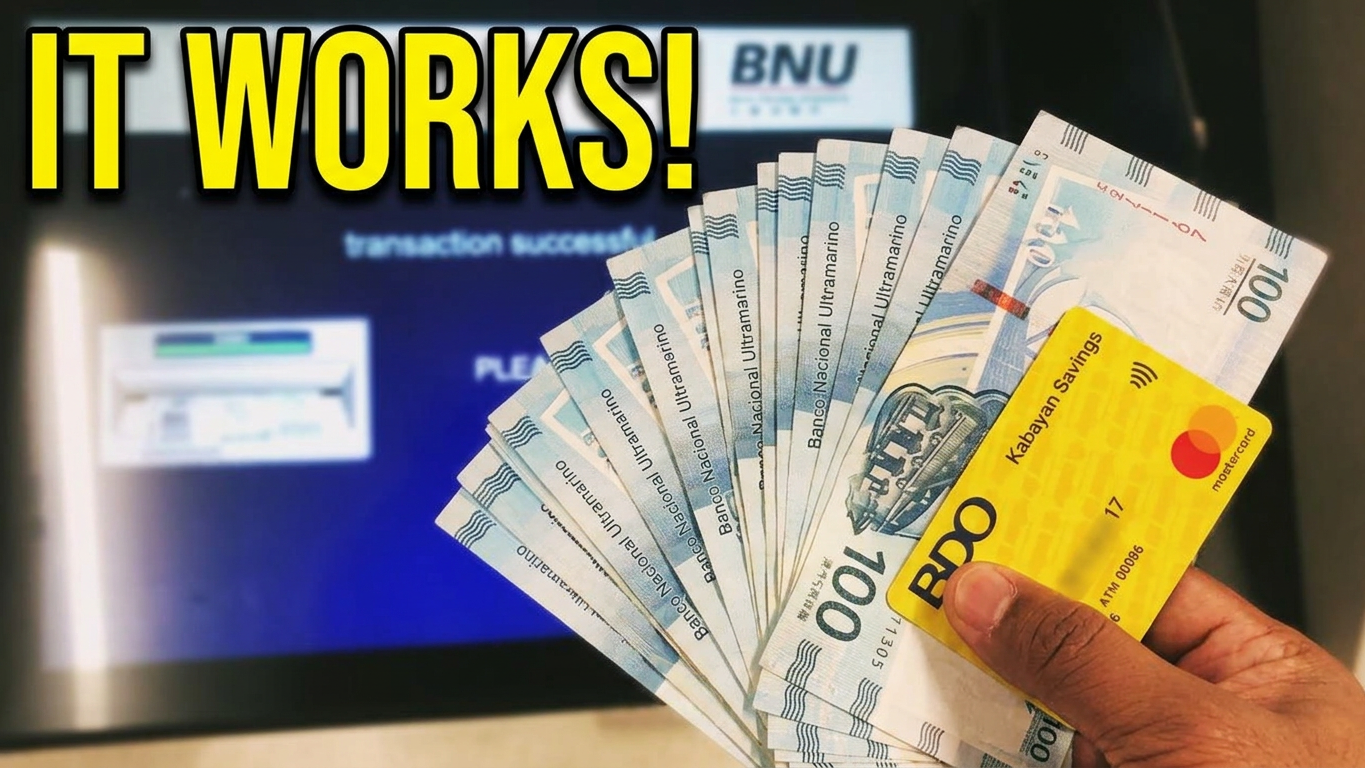
For thousands of Overseas Filipino Workers (OFWs) living and working in Macau, managing finances across borders is a regular part of daily life. While most OFWs use their BDO Kabayan Savings account to send money home to the Philippines, situations often arise where you need to access those funds locally in Macau. Whether you are covering an unexpected expense, paying rent, or simply need local currency on hand, knowing how to access your Philippine bank account abroad is essential.
If you are holding a BDO Kabayan ATM debit card and standing in front of a Banco Nacional Ultramarino (BNU) machine, the short answer is yes. You can withdraw cash at BNU ATMs using your BDO Kabayan debit card, provided your card carries an international payment network logo and has overseas access enabled.
Understanding the exact steps, fees, currency conversions, and security settings required will help you avoid declined transactions and unnecessary charges.
Why Your BDO Kabayan Card Works at BNU
BDO Unibank issues Kabayan Savings debit cards equipped with an EMV chip and partnered with global payment networks, primarily Mastercard or Visa (along with their corresponding ATM networks, Cirrus and).
Banco Nacional Ultramarino (BNU), one of the largest and oldest commercial banks in Macau, operates an extensive network of terminals across the Macau Peninsula, Taipa, and Cotai. You can easily locate the nearest machine using the official BNU Macau Branches and ATMs directory. Because BNU terminals connect to major international financial networks—including Mastercard, Cirrus, and Visa—BNU’s system can communicate directly with BDO in the Philippines to verify your balance and dispense local cash.
(Note: If you still hold a very old BDO ATM card that only features the local Philippine BancNet logo without a Visa or Mastercard symbol, it will not work at BNU or any other overseas ATM. You will need to upgrade to an EMV Mastercard or Visa debit card.
Essential Preparation Before Visiting the ATM
Before you walk up to a BNU machine, you must configure your BDO account settings. For security reasons, BDO blocks international ATM transactions by default on many newly issued or updated cards to protect account holders from overseas skimming and fraud.
- Enable Overseas Transactions in the BDO App
You do not need to call a Philippine hotline to activate international access. Following the official BDO Debit Card Security Management guidelines, you can turn it on yourself using the BDO Online mobile app:
- Open the BDO Online app on your smartphone and log in.
- Tap More at the bottom right corner of the screen.
- Select Manage Cards (or Card Management).
- Choose your BDO Kabayan Debit Card from the list.
- Look for the security toggle labeled Disable Overseas Transactions (or Overseas Usage, depending on your app version).
- Ensure that overseas transactions are enabled (turn off the restriction).
It is good practice to enable this feature right before you withdraw and turn the restriction back on once you have your cash.
- Check Your Daily Withdrawal Limit
BDO sets a default daily ATM withdrawal limit of ₱50,000 (or its equivalent in foreign currency). If you need to withdraw a larger amount in Macau, you can adjust your daily limit inside the Manage Cards section of the BDO Online app before heading to the ATM.
- 3. Verify Your Account Balance
Remember that your BDO Kabayan Savings account is denominated in Philippine Pesos (PHP), while the BNU ATM will dispense Macau Patacas (MOP) or Hong Kong Dollars (HKD). Make sure you have enough PHP in your account to cover not only the converted value of the cash you want, but also the international transaction fees.
Step-by-Step Guide to Withdrawing Cash at BNU
Once your card settings are ready, find a machine via the BNU Macau Branches and ATMs locator that clearly displays the Mastercard, Cirrus, Visa, or Plus sticker. Follow these steps to complete your transaction:
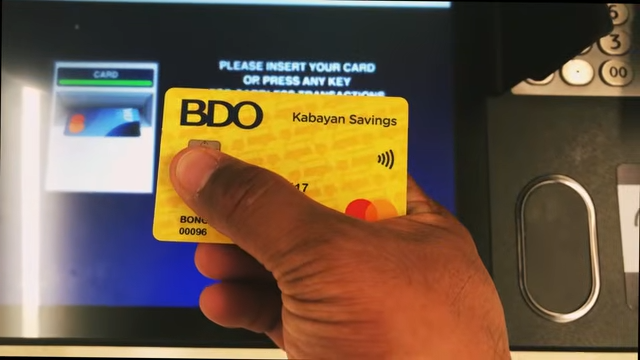
- Insert Your Card: Place your BDO Kabayan debit card into the card slot with the EMV chip facing up and forward.
- Choose Your Language: The screen will prompt you to select a language (usually Chinese, Portuguese, or English). Select English.
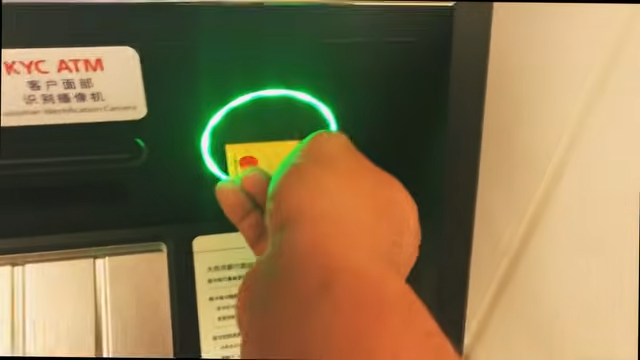
- Enter Your PIN: Key in your 6-digit BDO ATM PIN using the keypad, then press Enter. Be sure to shield the keypad with your hand while typing.
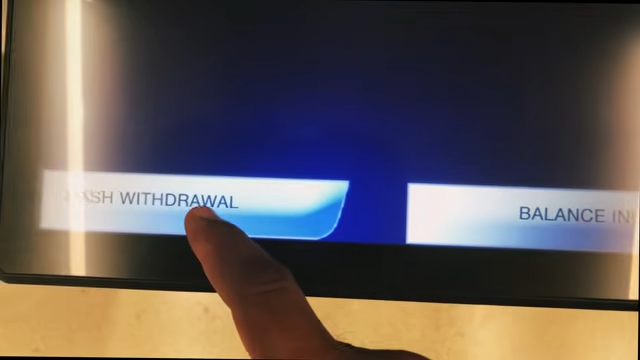
- Select Transaction Type: From the main menu, tap Cash Withdrawal. (Avoid checking your balance at the ATM, as BDO charges a separate fee for overseas balance inquiries. Check your balance on your phone app instead).
- Select Account Type: When asked to choose between Credit, Checking, or Savings, select Savings Account.
- Choose Currency and Amount: BNU ATMs in Macau typically dispense MOP (Macau Pataca) and HKD (Hong Kong Dollar). Select your preferred currency and either pick a preset amount or enter a custom amount.
- Review Any Terminal Fees: If BNU applies a local machine surcharge, a prompt will appear on the screen asking if you accept the fee. Confirm to proceed.
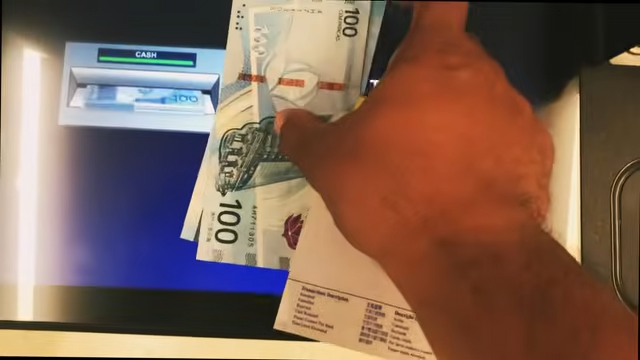
- Collect Your Card and Cash: Wait for the machine to process the request. Take your card first when prompted, followed by your cash and printed receipt.
Understanding the Fees and Exchange Rates
Withdrawing from a Philippine bank account in Macau involves multiple layers of costs. You can review the full tariff schedule on the BDO Debit Card Limits and Fees page, which outlines the following charges:
- BDO Overseas Withdrawal Fee: BDO charges a flat fee of US$3.50 (approximately ₱200 to ₱250, depending on current exchange rates and specific Kabayan account terms) for every successful overseas ATM cash withdrawal.
- Overseas Balance Inquiry Fee: If you use the BNU ATM just to check how much money you have left, BDO charges US$1.00 per inquiry.
- Foreign Exchange and Cross-Border Fees: When you withdraw MOP or HKD from a PHP account, Mastercard or Visa converts the currency using their daily wholesale exchange rate. On top of that rate, BDO charges a 1% cross-border fee and a 1% foreign exchange conversion fee (2% total in conversion markups).
- BNU Local Operator Fee: Depending on your specific card network and BNU’s current tariff schedule, the local ATM operator may add a small terminal access fee. Any local bank fee must be disclosed on the screen before the cash is dispensed.
Smart Tips for OFWs Using BDO Cards in Macau
- Withdraw Larger Amounts Less Frequently: Because BDO charges a flat US$3.50 fee per withdrawal regardless of how much cash you take out, making one larger withdrawal is much cheaper than making three or four small withdrawals.
- Stick to MOP for Daily Spending: While HKD is widely accepted across Macau, withdrawing in MOP gives you exact local currency without losing small amounts on merchant rounding when buying groceries, taking the bus, or eating out.
- Keep Your Kabayan Account Active: Under BDO Kabayan Savings rules, your account has no minimum balance requirement provided you make at least one remittance into the account every two years. Using your card to withdraw cash in Macau keeps the account active, though regular remittances are still needed to maintain its special OFW status.
- Use Standalone or Bank-Branch ATMs: Whenever possible, use BNU ATMs located inside or directly attached to official bank branches rather than isolated machines in tourist areas, as branch machines are better monitored and easier to get help from if a card is retained.
By taking a minute to toggle on overseas access in your BDO app and understanding the fee structure beforehand, your BDO Kabayan debit card serves as a reliable backup wallet whenever you need cash in Macau.