10 Best E-Wallets in the Philippines for Tourists and Foreigners Without a Local ID
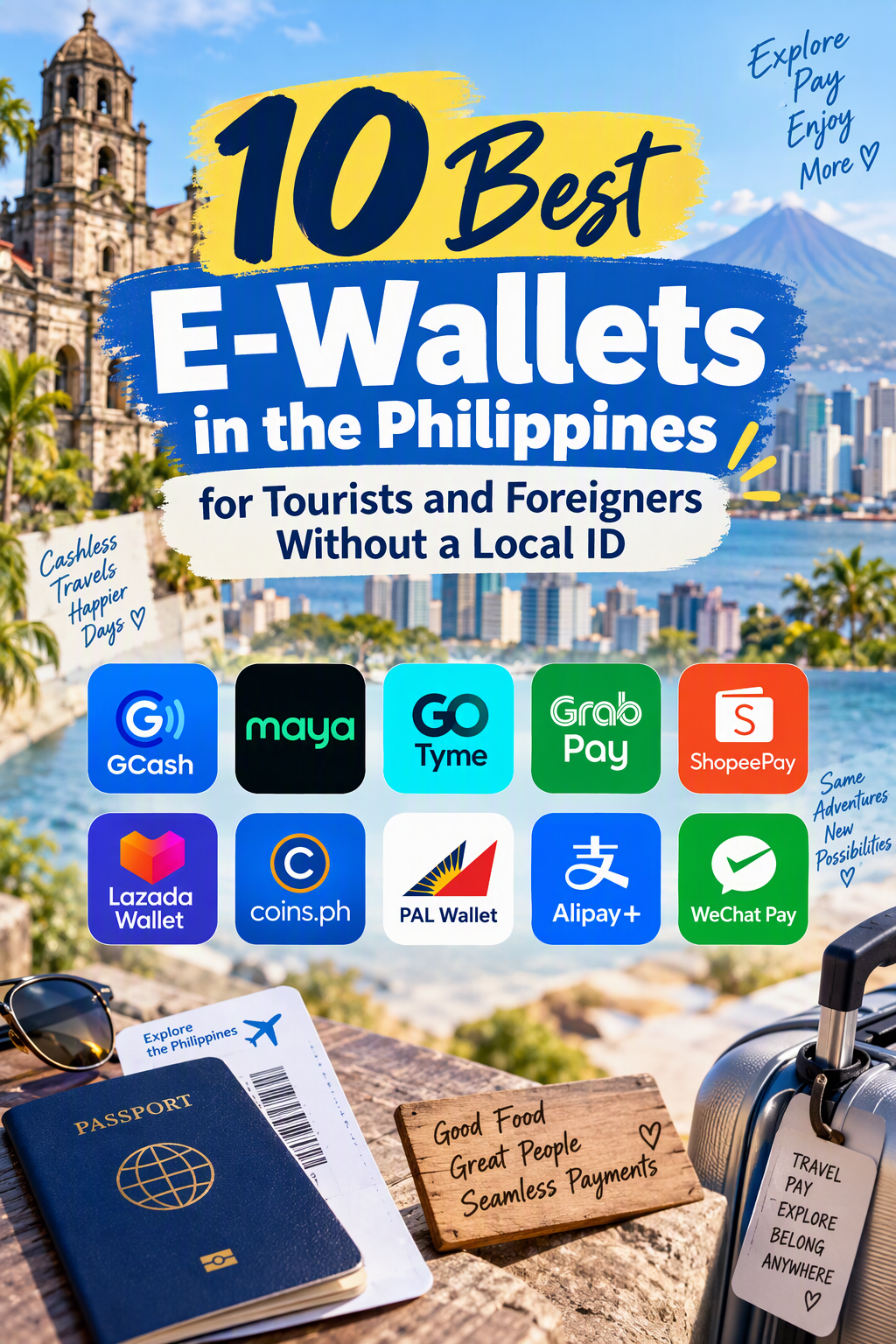
Navigating the Philippines with stacks of crisp 1,000-peso bills is becoming a thing of the past. From street food stalls in Cebu to boutique resorts in Siargao and ride-hailing apps in Manila, QRPh codes and digital payments are now the default way to pay.
However, for tourists, digital nomads, and newly arrived expats, setting up a local digital wallet hits an immediate roadblock: strict Bangko Sentral ng Pilipinas (BSP) Know-Your-Customer (KYC) regulations. Most Philippine financial apps require a Philippine government-issued ID—such as a PhilSys National ID, UMID, or Philippine Driver’s License—to unlock basic features like sending money, paying via QR, or cashing in.
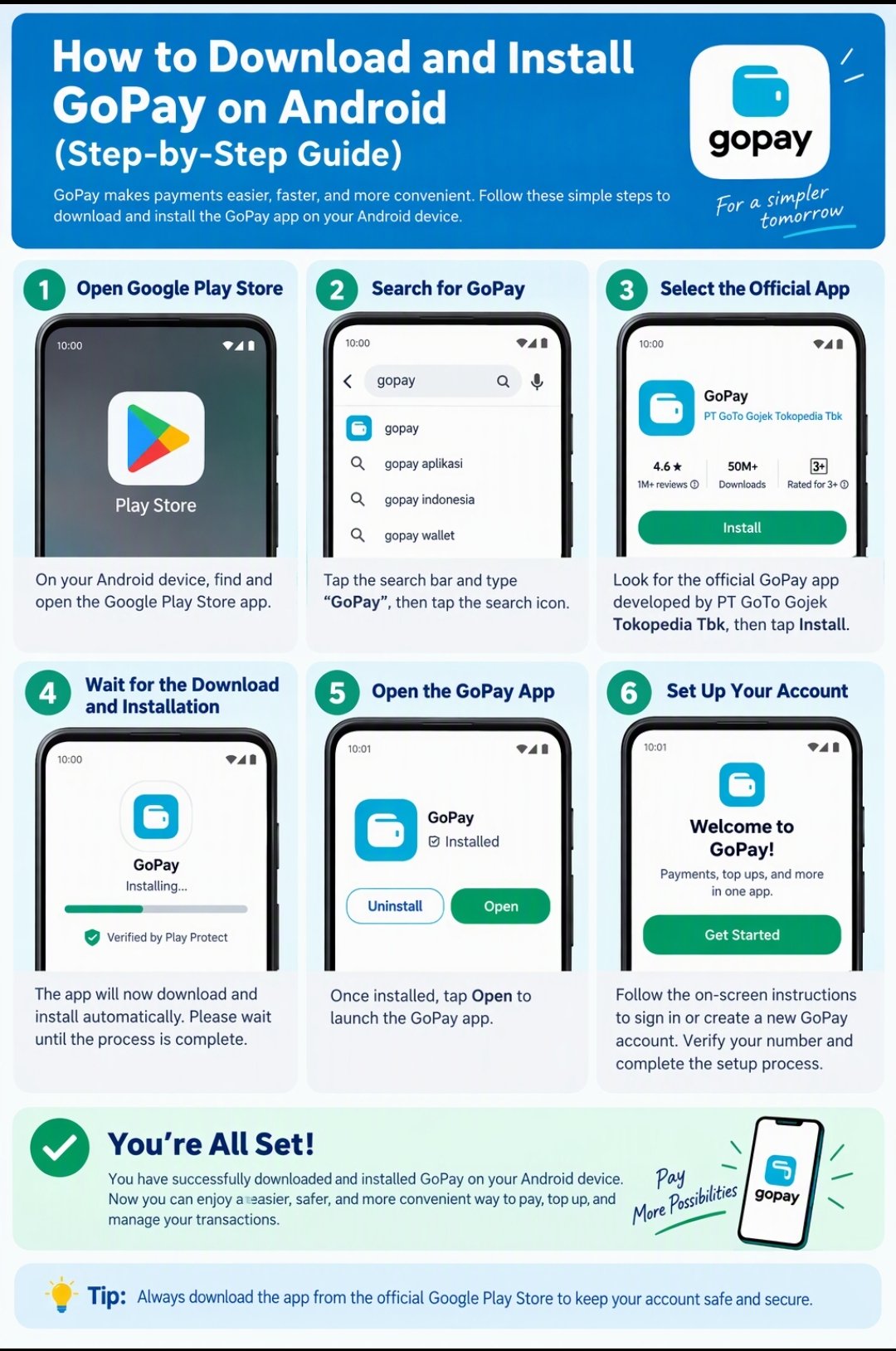
How to Download and Install GoPay on Android (Step-by-Step Guide)

Digital wallets have completely transformed how we handle everyday transactions, making physical cash and plastic cards feel increasingly obsolete. Among the leading e-wallet solutions, GoPay stands out as a versatile, fast, and highly secure platform. Whether you want to pay utility bills, transfer money to bank accounts, shop online, or scan QRIS merchant codes, having … Read more

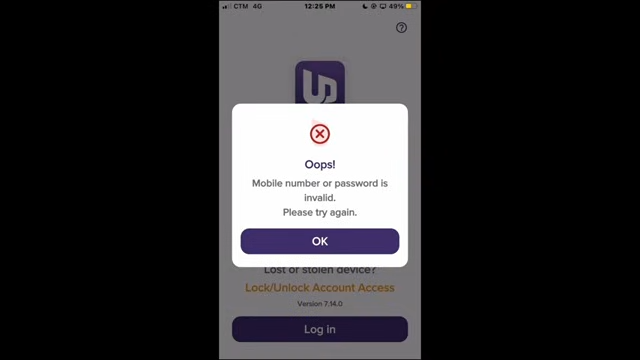
How to Reset UnionDigital Bank Forgot Password

You can recover and reset your forgotten password directly through the UnionDigital Bank Mobile App. Step-by-Step Password Reset Guide Troubleshooting Didn’t receive the OTP? Tap the “Send another” button on the verification screen to retry. Still Locked Out? If you cannot complete the recovery or your account gets flagged, you can email customer service directly … Read more

Everything You Need to Know About MariBank: A Beginner’s Guide

As digital banking continues to transform the financial landscape, MariBank has quickly emerged as one of the most popular and user-friendly options. Backed by Sea Limited (the parent company behind Shopee and Garena), MariBank offers a seamless, mobile-first banking experience designed for everyday transactions, earning high savings interest, and effortless online shopping.

This guide covers everything you need to know to get started with MariBank, including its key features, interest calculation, security, and account setup.

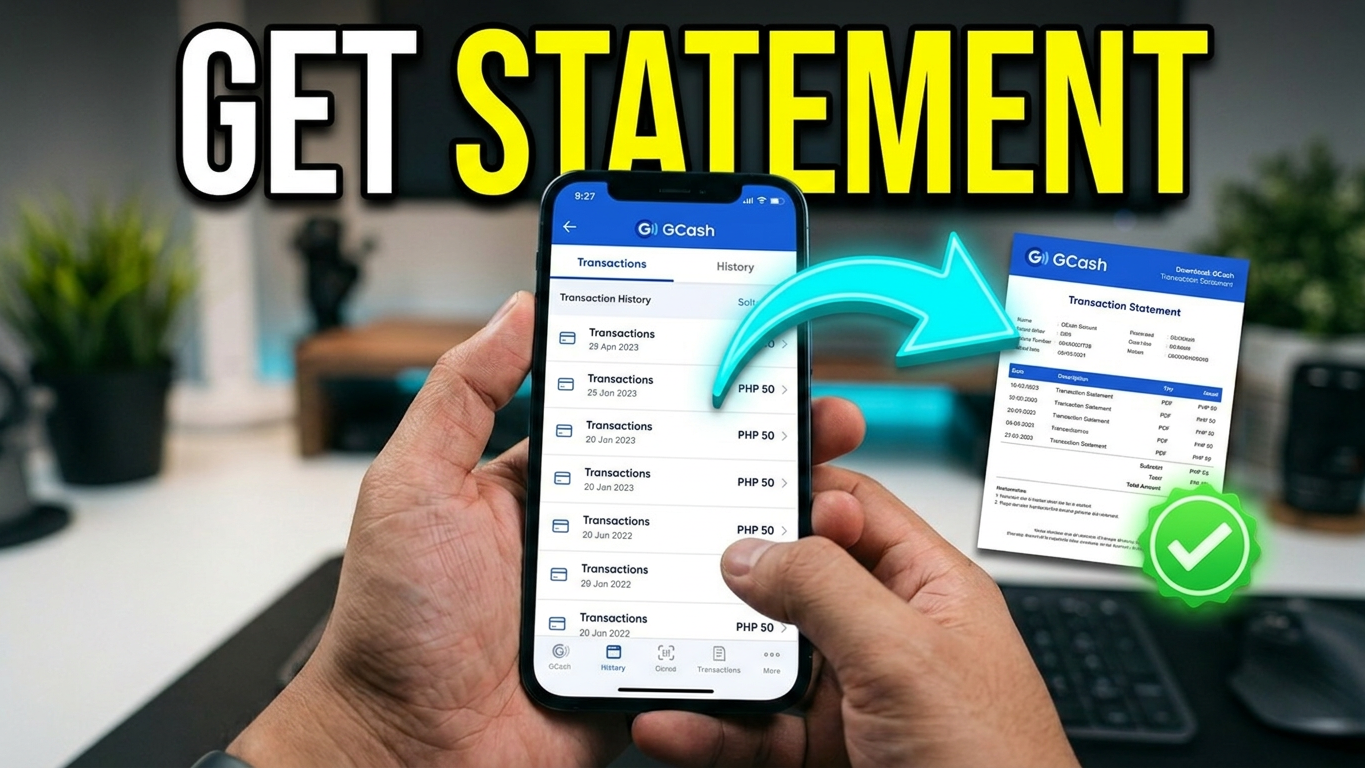
How to download GCash transaction history

How to download Gcash transaction history

You can download your GCash transaction history directly through the GCash mobile app, which sends a password-protected PDF statement covering up to four years of records to your registered email address. Business merchants using GCash for Business can also export records directly as CSV or Excel spreadsheets via the merchant portal.

Below is a complete, step-by-step guide covering how to view, request, download, unlock, and troubleshoot your GCash transaction records for both personal and business accounts.