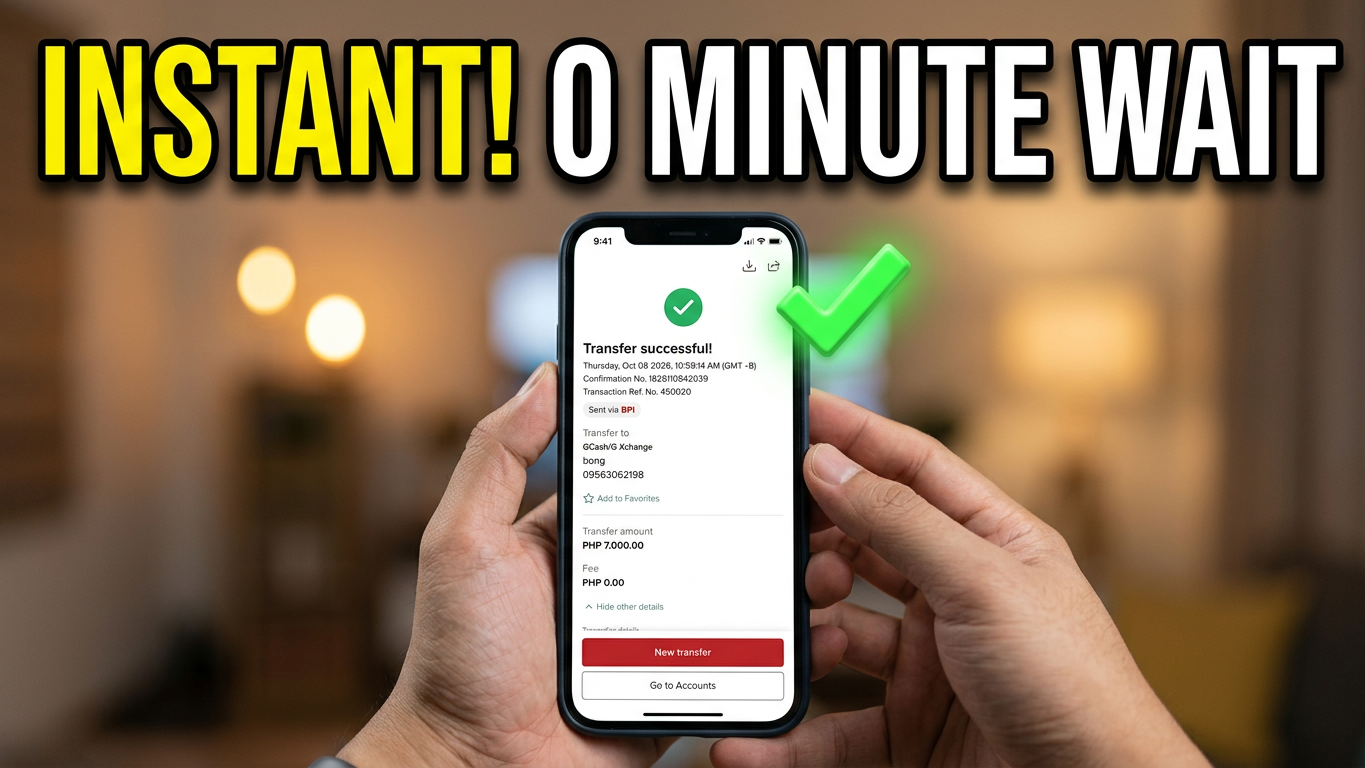
Moving your funds from the Bank of the Philippine Islands (BPI) to your GCash wallet is faster than ever. Because BPI discontinued its old “Load E-Wallet” feature, all instant transfers to GCash are now processed seamlessly via InstaPay directly through the standard bank transfer option. Best of all, BPI has waived its InstaPay transfer fees, making the transaction completely free on the bank’s side.
Here is the step-by-step guide to sending money instantly using the BPI App.
📱 Step-by-Step: Sending Money via the BPI App
Follow these simple steps to complete your instant transfer:
- Log in to your BPI App using your credentials, Face ID, or fingerprint biometric login.
- Tap “Move Money” from the bottom navigation dashboard.
- Select “Transfer Money”.
- Choose your source account if you have multiple BPI accounts registered.
- Set the Destination: Under the destination options, select “To another bank/e-wallet”.
- Search for GCash: In the dropdown list of banks and e-wallets, search for and select GCash / G-Xchange.
- Enter Details: Input the recipient’s 11-digit GCash mobile number and their exact registered name.
- Specify the Amount you want to send and tap Continue.
- Review and Confirm: Thoroughly verify that the account details are correct, then tap Confirm.
- Authenticate: Approve the transaction instantly using your secure BPI Mobile Key or One-Time PIN (OTP).
The funds will be credited to the recipient’s GCash wallet instantly. Be sure to screenshot and save the transaction reference number for peace of mind!
💰 BPI to GCash Fees and Limits
Understanding the transaction costs ensures there are no surprises when managing your funds.
| Feature / Method | Transaction Fee | Delivery Time |
| BPI App (InstaPay) | ₱0 (Permanently waived by BPI) | Instant / Real-Time |
| GCash App “Cash In” | ₱15 (Linked bank fee charged by GCash) | Instant / Real-Time |
⚠️ Important Account Limit Note: Before sending large amounts, make sure the receiver’s GCash account is fully verified. Fully verified accounts can receive higher limits, while unverified wallets have a strict entry limit of ₱5,000 monthly.
🛠️ Troubleshooting Common Problems
If your instant transfer isn’t going through, check these quick fixes:
System Maintenance: InstaPay or GCash may be experiencing peak hours or routine maintenance. Wait a few minutes and try again.
Incorrect Mobile Number: Double-check the 11-digit phone number. Sending funds to a wrong or unregistered number can lead to floating or lost money.
Mobile Key Errors: Ensure your phone has a stable internet connection so the BPI Mobile Key notification can sync properly for authentication.
Step-by-Step BPI to GCash Video Tutorial on YouTube