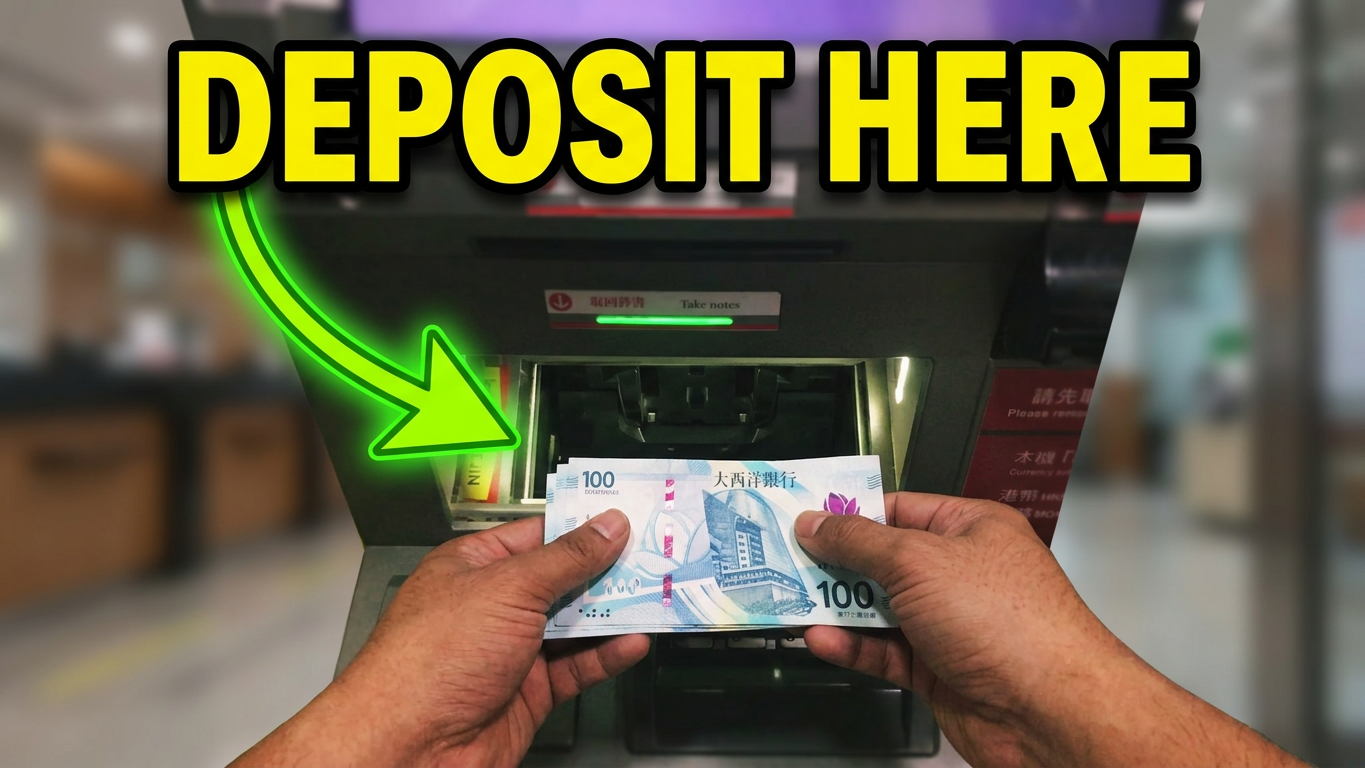
Skipping the long teller lines at the bank is one of the best ways to save time. If you are an Industrial and Commercial Bank of China (ICBC) customer, you might be wondering: Can I just deposit my cash directly into the ATM?
The short answer is yes, you absolutely can.
However, using a cash deposit slot incorrectly can cause the machine to reject your money or, worse, temporarily jam. In this quick guide, you will learn exactly how to use the ICBC ATM slot safely, what rules to follow, and what to do if something goes wrong.
Before You Walk Up to the ATM
Before you insert your card, make sure your cash is ready for the machine’s sensors. ATMs are highly sensitive, so follow these quick preparation steps:
Check the machine type: Ensure the ATM screen says “Cash Deposit” or “Cash Recycling”. Some older machines are strictly for cash withdrawals.
Straighten your bills: Smooth out any crumpled corners, folds, or heavy creases.
Remove extra items: Double-check that there are no rubber bands, paper clips, staples, or coins mixed into your cash stack.
Check the currency denomination:
- In China: ICBC ATMs generally only accept 100 RMB bills.
- International Branches (e.g., Canada, Singapore): The machines usually only accept the largest local denominations (like $50 and $100 bills). Smaller bills or foreign currencies will be immediately rejected.
Step-by-Step Guide: How to Deposit Money in the ICBC ATM Slot
Follow these exact steps to complete your deposit in less than two minutes:
Step 1: Insert Your Card and Enter Your PIN
Insert your ICBC debit card into the card slot and enter your 6-digit PIN. Always cover the keypad with your hand for privacy.
Step 2: Select “Deposit”
On the main menu screen, look for and select the “Deposit” or “Cash Deposit” option. Select the specific account (e.g., Checking or Savings) where you want the money to go.
Step 3: Wait for the Cash Slot Shutter to Open
A mechanical safety door (the cash slot shutter) will slide open automatically. Do not try to force it open manually.
Step 4: Place Your Cash in the Slot
Place your stack of bills horizontally and neatly inside the slot. Let go of the money completely. The machine will automatically pull the stack inside, and the shutter door will close.
Step 5: Verify the Counted Amount
The ATM will take a few seconds to count your money. The screen will then display a breakdown of the bills it found (for example: 20 bills x $100 = $2,000).
- If the amount is correct: Press “Confirm” or “Enter” to finish the transaction.
- If the amount is incorrect: Press “Cancel” to have the machine return your exact stack of cash.
Step 6: Collect Rejected Bills (If Any)
If a bill was too wrinkled or dirty, the ATM shutter will open again to hand it back to you. Take the rejected cash, and the screen will update with the remaining accepted balance.
Step 7: Take Your Receipt and Card
Always select “Print Receipt” so you have a physical record of your deposit. Finally, make sure to take your ICBC card before walking away.
ICBC ATM Deposit Limits and Rules
To keep your transaction smooth, keep these banking limits in mind:
- Transaction Limits: ICBC ATMs typically accept a maximum of 100 bills per single deposit transaction. If you have more than 100 bills, you will need to split them into multiple, separate deposits.
- Instant Processing: Cash deposits made directly through an ICBC Cash Recycling machine are processed in real-time. Your account balance will update instantly.
Troubleshooting: What If Something Goes Wrong?
While rare, ATM errors do happen. If the machine freezes, jams, or swallows your cash without updating your balance, do not panic. Follow these steps:
- Do not leave the machine immediately. Wait a minute to ensure it doesn’t reboot and dispense your cash back out.
- Take the receipt. If the machine prints an “Error” or “Transaction Incomplete” slip, keep it.
- Take a photo. Take a quick picture of the ATM screen if it displays an error code or an ATM identification number.
- Call the Hotline: Look for the official ICBC emergency customer service number printed directly on the frame of the ATM. Report the exact time, the location of the machine, and the amount of money you lost. ICBC will verify the machine’s internal cash log and credit your account.
Step by Step How to deposit money on ICBC ATM Slot video tutorial on youtube